

### Blog Post:
How to set up a home office is a real concern for millions of workers in 2024 who crave productivity, comfort, and boundaries between work and life. Whether you’re getting started or upgrading your current workstation, the right approach means more than just placing a laptop on a table. Let’s get practical about what works, what doesn’t, and how to avoid common home office mistakes.
Key Takeaways
- Over 80% of remote workers have a dedicated workspace, but setup quality varies dramatically — avoid working from beds or couches for productivity and health.
- A well-designed home office reduces distractions, improves posture, and can enhance your long-term earning power.
- Many skip ergonomic basics, lighting, and organization, leading to discomfort and wasted hours — fixing these reliably boosts both comfort and results.
- What Is a Home Office Setup & Why Does It Matter?
- Step-by-Step Guide: How to Set Up a Home Office That Works
- Advanced Analysis & Common Pitfalls
- Conclusion
- FAQ
What Is a Home Office Setup & Why Does It Matter?
A home office setup is more than a place to put your laptop. It’s a dedicated workspace tailored to your job, habits, and environment. In 2024, roughly 14% to 27% of the US workforce work from home at least part-time. Data shows that 82% of remote professionals have a dedicated home office or workspace, but a significant portion still work from beds or couches, risking productivity and health.
A real home office setup provides:
- Physical and psychological separation between work and home life
- Comfort and ergonomic support (think back, neck, and wrist health)
- Control over distractions, noise, temperature, and lighting
- Boosted focus and professional credibility on calls and video meetings
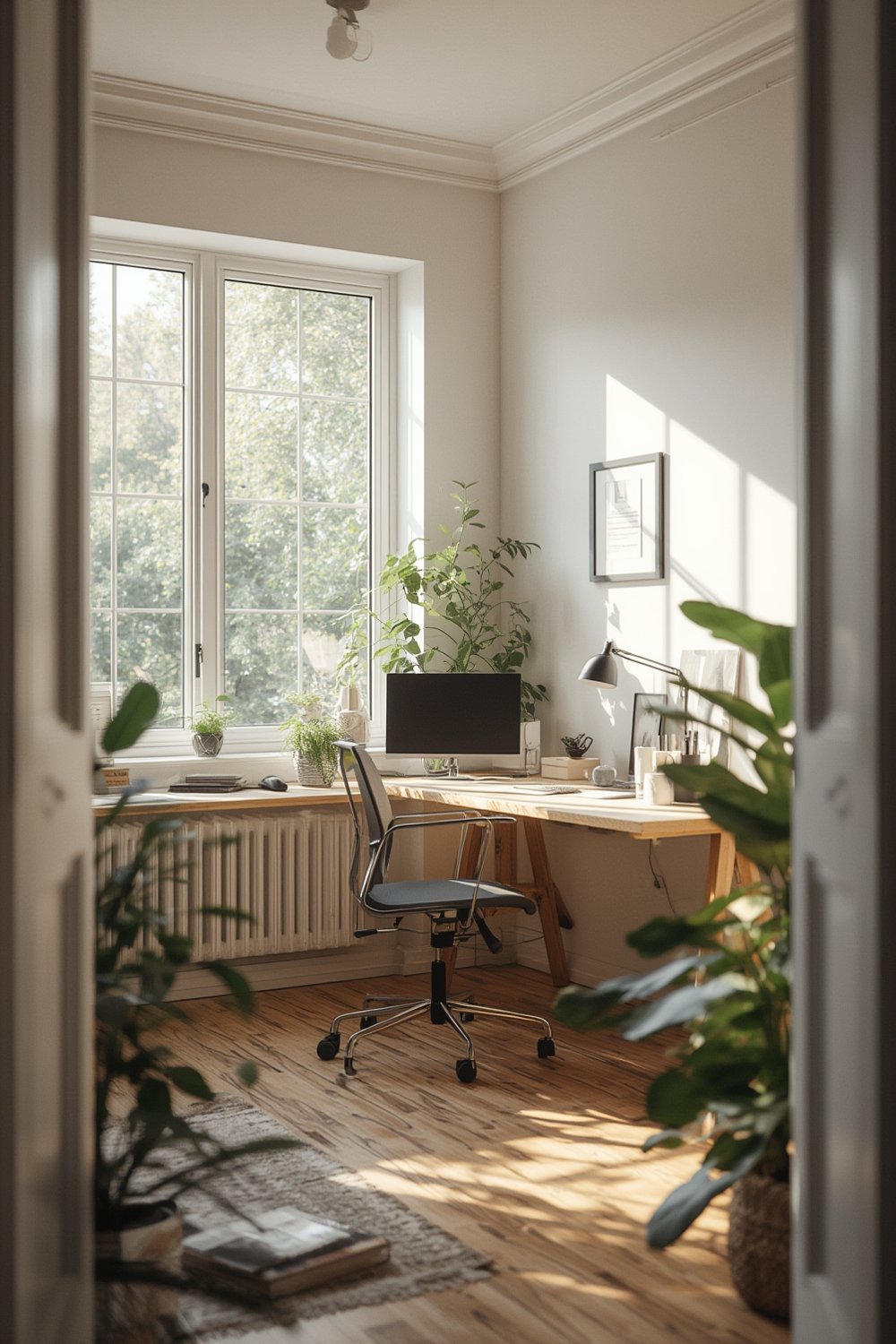
Unlike a temporary workspace, a real home office can increase your effective “billable hours,” support long-term career growth, and even enable higher remote wages — the average remote worker now earns $61,178 per year.
If you’re investing in your next chapter — such as a budget kitchen remodel or planning for solar panel home upgrades — a strong home office setup is a foundational home improvement that can pay back in productivity and comfort for years.
Step-by-Step Guide: How to Set Up a Home Office That Works
Follow these practical steps to optimize your home office for real life, not a magazine cover.
-
Choose Your Location Wisely
- Pick the quietest corner possible, away from high-traffic areas and TVs.
- If you lack a spare room, use furniture, rugs, or shelving to define a zone.
- Avoid setting up in bedrooms if possible — 21% of remote workers use the bedroom, but this leads to sleep issues and poor concentration.
-
Get Ergonomics Right
- Invest in a chair with real lumbar support and adjustable height.
- Choose a desk height between 28-30 inches for most adults or opt for a sit/stand desk for flexibility.
- Monitor the top should sit at or just below eye level at about an arm’s length away to reduce neck strain.
- Use a footrest if your feet don’t touch the floor, and ensure wrists are flatter than the forearm when typing.
-
Optimize Lighting and Air Quality
- Prioritize natural light, but position screens perpendicular to windows to cut glare.
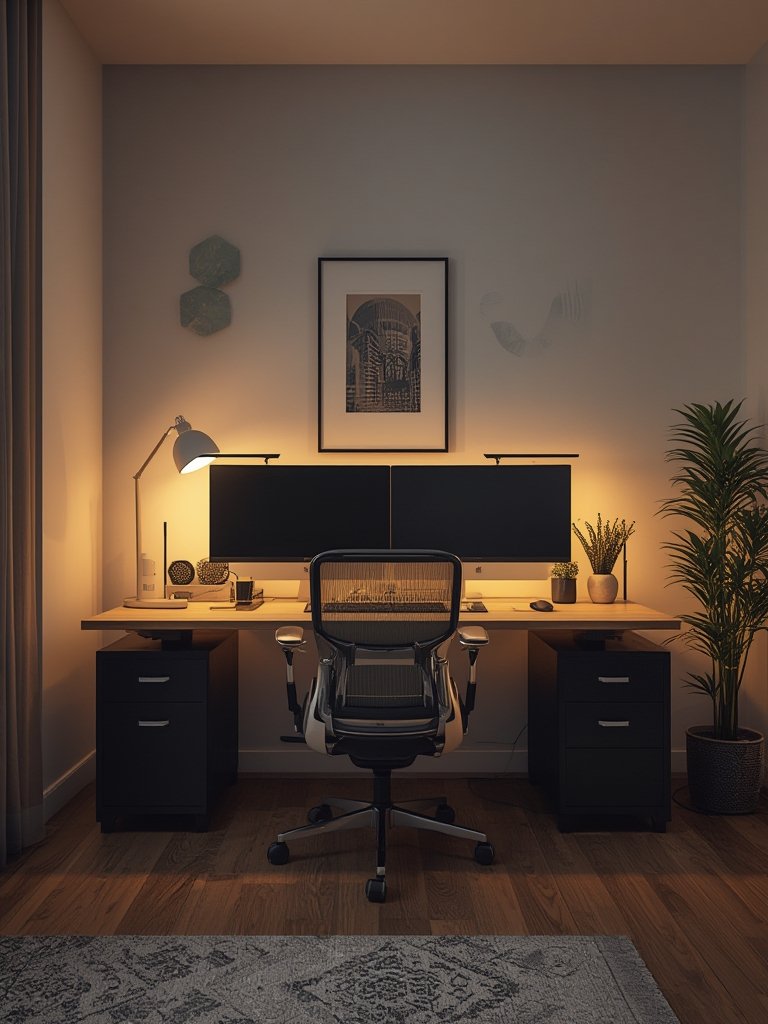
- Add a desk lamp with 500-1000 lux if natural light is limited. Avoid overhead-only lighting, which causes shadows and eyestrain.
- A small air purifier or house plant helps reduce dust and improves alertness for many users.
-
Set Up Reliable Internet and Power
- Run a speed test: 10 Mbps upload/download is minimal, but 50-100 Mbps vastly improves calls and cloud syncing.
- Use wired (Ethernet) connections if video calls are mission-critical.
- Add a surge protector and have a backup outlet or extension cord at the ready.
-
Declutter and Organize
- Hide cables with clips or velcro straps. Use drawers or desktop organizers to limit distractions.
- Keep only what you use daily on your desk: computer, notepad, favorite pen, and water bottle.
-
Personalize, but Don’t Overdo It
- Add a plant, favorite photo, or artwork, but avoid visual clutter that can distract on video calls.
- Choose noise-canceling headphones if your environment is unpredictable.
- Consider sound-absorbing panels if your home is noisy — even curtains and bookshelves help dampen sound.
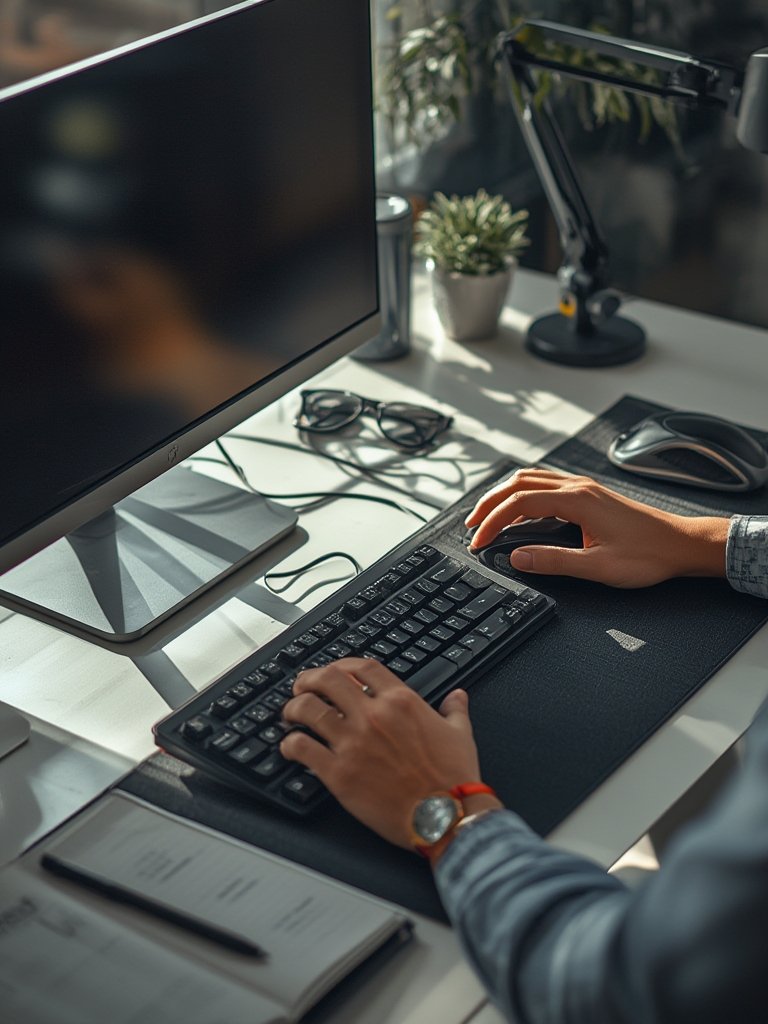
For DIY-minded users, many cheap kitchen makeover tactics apply to workspaces, too. Repurpose shelves or paint an accent wall for a fresh look. Want to invest further? Smart outlets and LED bulbs slash long-term costs, as explained in our solar panel efficiency tips article.
Finally, before you finish, test your setup with a real work session. Adjust heights, camera angles, and lighting. Repeat the process until everything feels natural and you can focus deeply.
Advanced Analysis & Common Pitfalls
Even committed remote workers fall into common traps. Recent studies highlight user complaints, setup errors, and infrastructure gaps.
- Poor ergonomics: Lower back pain, neck stiffness, and eye strain are the most reported health challenges among home-based staff. Most don’t adjust monitor and desk height for comfort or safety; skipping this step leads to chronic discomfort.
- Unreliable internet: Video call freeze-ups and file sync failures remain the primary source of user frustration, particularly in shared households or rural areas. An average worker needs robust bandwidth to perform well remotely.
- Distractions and boundaries: Open layouts, noisy environments, and lack of clear “work time” cues tank productivity and lead to burnout. Fewer than half of workers report a truly quiet or distraction-free environment at home.
- Visual clutter and poor lighting: Dim or uneven lighting and excessive background clutter are top video meeting complaints. This impacts both focus and how you are perceived by colleagues.
- Inefficient storage: Piles of paperwork, mixing work and personal items, and a lack of organization lead to wasted time and lost focus.
| Pitfall | Impact | How to Fix |
|---|---|---|
| Using couch/bed as a desk | Poor posture, decreased focus, more fatigue | Set up a dedicated table with a supportive chair |
| Messy background on calls | Bad impressions, distractions during meetings | Face camera toward blank wall or use a virtual background |
| Insufficient lighting | Eyestrain, poor visibility on video | Add a lamp (500-1000 lux) and angle screens away from glare |
| No cable management | Trip hazards, untidy workspace | Use cable ties, clips, or a simple under-desk tray |
| Neglecting internet speed | Call dropouts, slow file sharing | Upgrade service, use Ethernet, or add mesh Wi-Fi |
For those planning multiple upgrades — consider a holistic approach. Investing in a well-organized home office can complement larger projects like a low cost kitchen renovation. Improving your environment yields everyday benefits, not just a more appealing Zoom background.
Conclusion
Anyone can learn how to set up a home office that truly fits their lifestyle and work this year. The key is to carve out a distinct, comfortable, and distraction-free area built for real productivity, not wishful thinking. Avoid the all-too-common pitfalls — poor ergonomics, unreliable tech, messy backdrops — and you’ll see more focus, better health, and real professional gains. Ready to invest in yourself? Start revamping your workspace today and check out more tips on DIY home improvements and energy-smart upgrades for maximum impact.
FAQ
What are the minimum requirements for a productive home office?
You need a supportive chair, a proper desk, reliable internet (at least 10 Mbps), and good lighting (500-1000 lux at the task area). Organization and a quiet location are also essential for productivity. Skip the couch or bed as your primary workspace.
How much does it cost to set up a home office?
Costs range from $200 (for the basics: chair, desk, lamp) up to $1,500+ for ergonomic equipment, soundproofing, and extra tech. Repurposing furniture and doing simple DIY upgrades can keep costs low while achieving great results. For budget-friendly upgrades, see our guide on cheap kitchen makeover — many tips apply to any room.
How do I reduce distractions when working from home?
Choose a dedicated spot and set up physical dividers, noise-canceling headphones, or even soft furnishings to reduce noise. Communicate your schedule to housemates. Remove visual distractions from your work zone and keep your background tidy for video calls.
Is ergonomic furniture worth the investment?
Yes. Ergonomic chairs and adjustable desks reduce neck and back pain, boost comfort, and improve focus. If your budget is tight, look for used options or prioritize an adjustable chair first. Frequent breaks and a monitor riser can help too.
How much natural light is optimal for a home office?
Natural light improves mood and reduces eyestrain, but avoid direct glare on screens. Place your desk perpendicular to windows where possible. Supplement with a bright desk lamp and adjust curtains or blinds as needed.